mirror of
https://github.com/Sea-Haven-Industries/open-swe.git
synced 2026-09-30 12:43:16 +00:00
 f822fda82d
* prompt changes and eval fix

* prompt deletions reverted

* formatting

* chore: code cleaning

* feat: add LangGraph evaluation support

* fix: py lg check logging fix

* chore: code cleaning

* dataset added

* chore: code cleaning

* chore: code cleaning

* Readme changes

* feat: LLM fallback added

* feat: add llm fallback

* chore: code cleaning

* chore: code cleaning

* chore: code cleaned

* feat: llm fallback in runtime

* fix: build errors

* refactor: FallbackRunnable now extends ConfigurableModel

* Readme update

* feat: llm as a judge script added

* chore: code formatted

* fix: use GA gemini models instead of preview

* fix: type improvements

* feat: added skeleton for tool py-dev-server

* fix: code cleaning & type improvements

* fix: code cleaning

* cr

---------

Co-authored-by: bracesproul <braceasproul@gmail.com>
2.6 KiB
2.6 KiB

Open SWE is an open-source cloud based coding agent. It's built with LangGraph, and is designed to autonomously understand, plan, and execute code changes across entire repositories.
Think of Open SWE as your own personal engineer who can handle complex tasks end to end, from planning to execution, to opening a pull request.
Warning
Open SWE is under active development and is not yet ready for production use.
Tip
Try out Open SWE yourself using our public demo!
Note: you're required to set your own LLM API keys to use the demo.
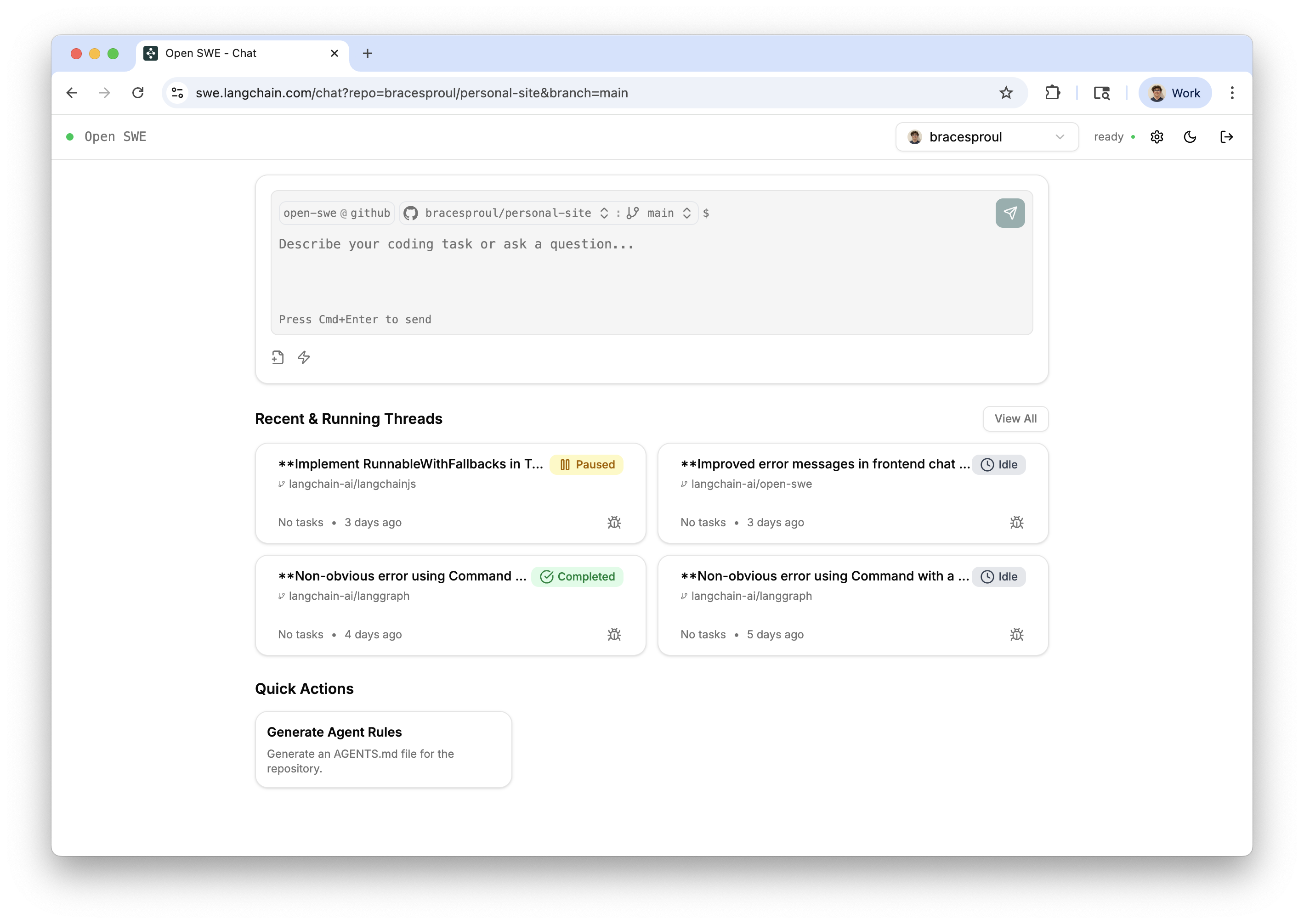
Features
- 📝 Planning: Open SWE has a dedicated planning step which allows it to deeply understand complex codebases and nuanced tasks. You're also given the ability to accept, edit, or reject the proposed plan before it's executed.
- 🤝 Human in the loop: With Open SWE, you can send it messages while it's running (both during the planning and execution steps). This allows for giving real time feedback and instructions without having to interrupt the process.
- 🏃 Parallel Execution: You can run as many Open SWE tasks as you want in parallel! Since it runs in a sandbox environment in the cloud, you're not limited by the number of tasks you can run at once.
- 🧑💻 End to end task management: Open SWE will automatically create GitHub issues for tasks, and create pull requests which will close the issue when implementation is complete.
Usage
Open SWE can be used in multiple ways:
- 🖥️ From the UI. You can create, manage and execute Open SWE tasks from the web application. See the 'From the UI' page in the docs for more information.
- 📝 From GitHub. You can start Open SWE tasks directly from GitHub issues simply by adding a label
open-swe, oropen-swe-auto(adding-autowill cause Open SWE to automatically accept the plan, requiring no intervention from you). See the 'From GitHub' page in the docs for more information.
Documentation
To get started using Open SWE locally, see the documentation here.